

audio.SetWaveform
Set the waveform of the given audio channel.
Syntax
audio.SetWaveform(channel, value)
Parameters
channel- The oscillator channel (0-3).waveform- Index of waveform to use.
Returns
This command returns no values.
About
You can load one of the following waveforms.
| Value | Name | Waveform |
|---|---|---|
| 0 | Square | 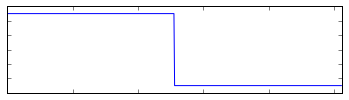 |
| 1 | Sawtooth | 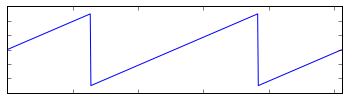 |
| 2 | Triangle | 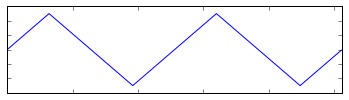 |
| 3 | Sine | 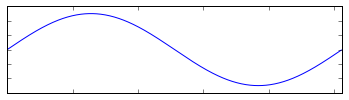 |
| 4 | Noise | 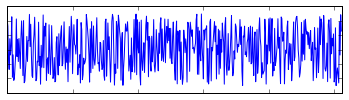 |
| 5 | Sample | 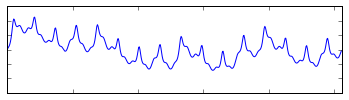 |
The Sample waveform is a 512B block of audio data, enough for one cycle. Call audio.SetSample with the address of a sample to load it. Only one sample can be used at a time.
A collection of ready-made samples can be found in the /media/samples/ folder of the SDK.